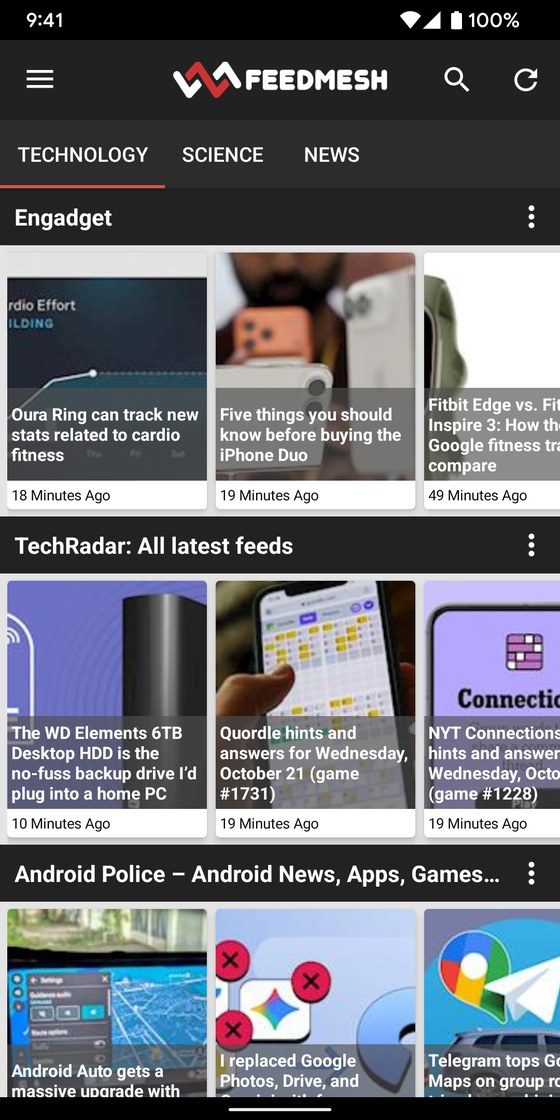
Follow the sites you like. Their newest articles show up one row per site, in the order they were published. No algorithm deciding what you see, and no ads.
Already have an account? Log in

Each site keeps its own row, like chapters in a book, so you always know where a story comes from. Scroll once and you've seen what's new everywhere.
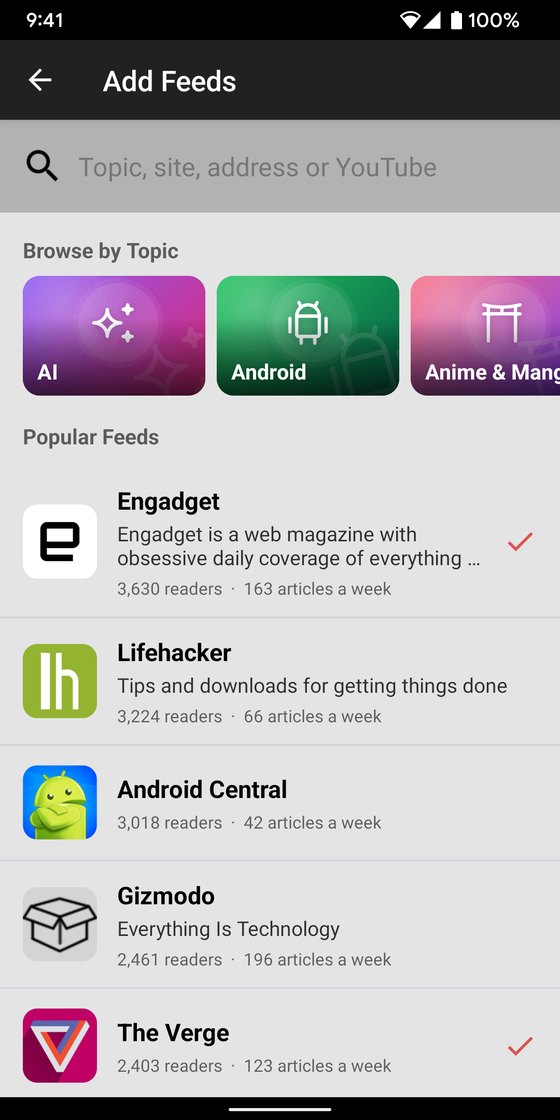
Type a site's name or address and Feedmesh finds its feed, or pick from 36 topics to start.
Articles come in the order they were published. Feedmesh doesn't guess what you want.
Open the full article right in Feedmesh, without the clutter, or go to the site.
Web, Android and iPhone stay in sync: what you read on one is read on all.

Tell Feedmesh where you live and Scout sniffs out the news near you: the local paper, the TV and radio stations, even your city's own news page. She reads each site to make sure it's really local news, then you add the ones you want in one tap.
Follow your town and she keeps looking. When a new source turns up, it's added to your feeds.
Named after Scout, our golden doodle and champion mouser.


Browse 36 topics like Technology, Science or Food and follow a few feeds in one tap. Or type any site's name or address, YouTube channels too. Most sites have a feed; for those that don't, Feedmesh can check the page for new articles.
Already use another reader? Import your feeds from Feedly, Inoreader and others.

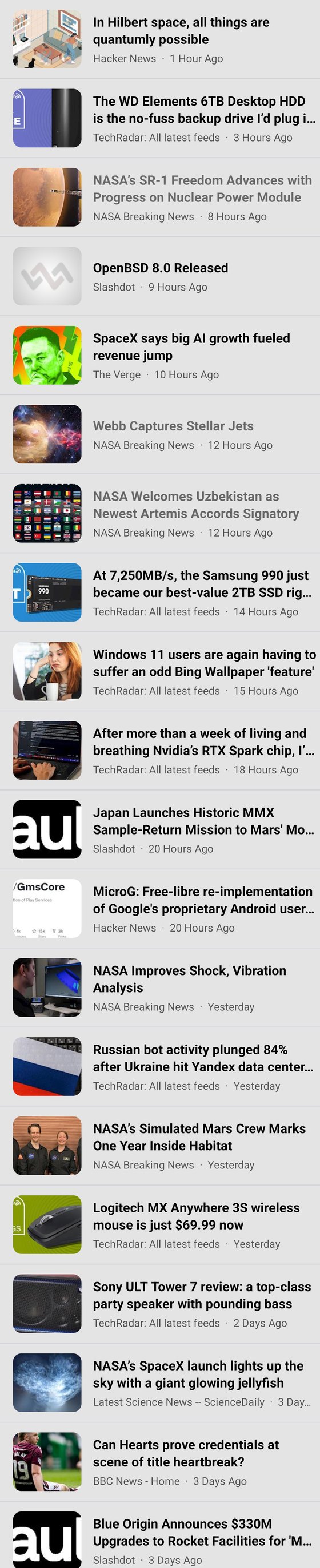
Put several sites together in one feed: three newspapers in one Morning News row, or every blog about your team. Their articles come in together, newest first, each with its site's name.
Then sort your feeds into categories, like News, Work or Hobbies. Each category is its own tab, so you can switch between them in one tap.
Search every article in the feeds you follow, or just one feed, by headline, summary and author.

Turn on notifications for the sites you care about most, and Feedmesh tells you as soon as they post something new.
Or only when it matters to you: give a feed a few words, like a team, a product or your town, and you'll hear only about the articles that mention them.

Articles without the clutter, in Light, Dark or Blackout: pure black for reading in bed.



Hands busy? Feedmesh reads the article to you, the headline and then the whole story, and goes on to the feed's next article when it's done.
It keeps playing with the screen locked, so you can listen on a walk, in the kitchen or on the road.
Connect Claude, ChatGPT, Muse or Cursor to Feedmesh and ask what's new: a summary of your morning, what the local paper said about the school board, everything your feeds had on the Moon mission this week.
It reads your own feeds, only after you allow it, and gives you the links to the articles. Nothing is ranked or hidden: your feeds stay as they are.
The apps save your newest articles, pictures too if you like, for the train or the plane.
Export the feeds you follow as an OPML file from the apps, or bring yours from another reader.
Tired of a subject? Give a feed a few words and its articles that mention them stay out of sight.
If a site stops updating its feed, Feedmesh tells you and suggests a working one.
Caught up on a site? Clear its row in one tap and only new articles show.
Keep articles you want to come back to, and find what you read recently.